Attendance software
Attendance that marks itself
Arrival and leaving come straight from each person’s computer. Late, left early and absent are marked against their own shift, and the month ends with an Excel for payroll. No register, no biometric queue, no chasing.
What gets marked, without anyone doing it
Arrival and leaving, from the computer
The first and last work on each person’s computer is their arrival and leaving time. Nobody signs a register or remembers to punch in.
Late, left early and absent
Marked against each person’s own schedule or shift, with the grace minutes you choose. Days before someone joined, leave and company holidays never count as absent.
Night shifts count as one day
A 10 PM to 6 AM shift is one working day, not two halves split at midnight. Late marks, hours and the monthly totals all follow the shift.
Half days and short leave
Leave for a whole day, the first or second half, or a few hours. A half day moves the expected start time, so nobody is marked late for it.
Work away from the computer
Client visits, field work and meetings are added as offline time and approved by a manager, so they count too.
People who don’t keep fixed hours
Mark someone as having no fixed hours and they are never late or absent. Their time is still recorded.
Today, at a glance
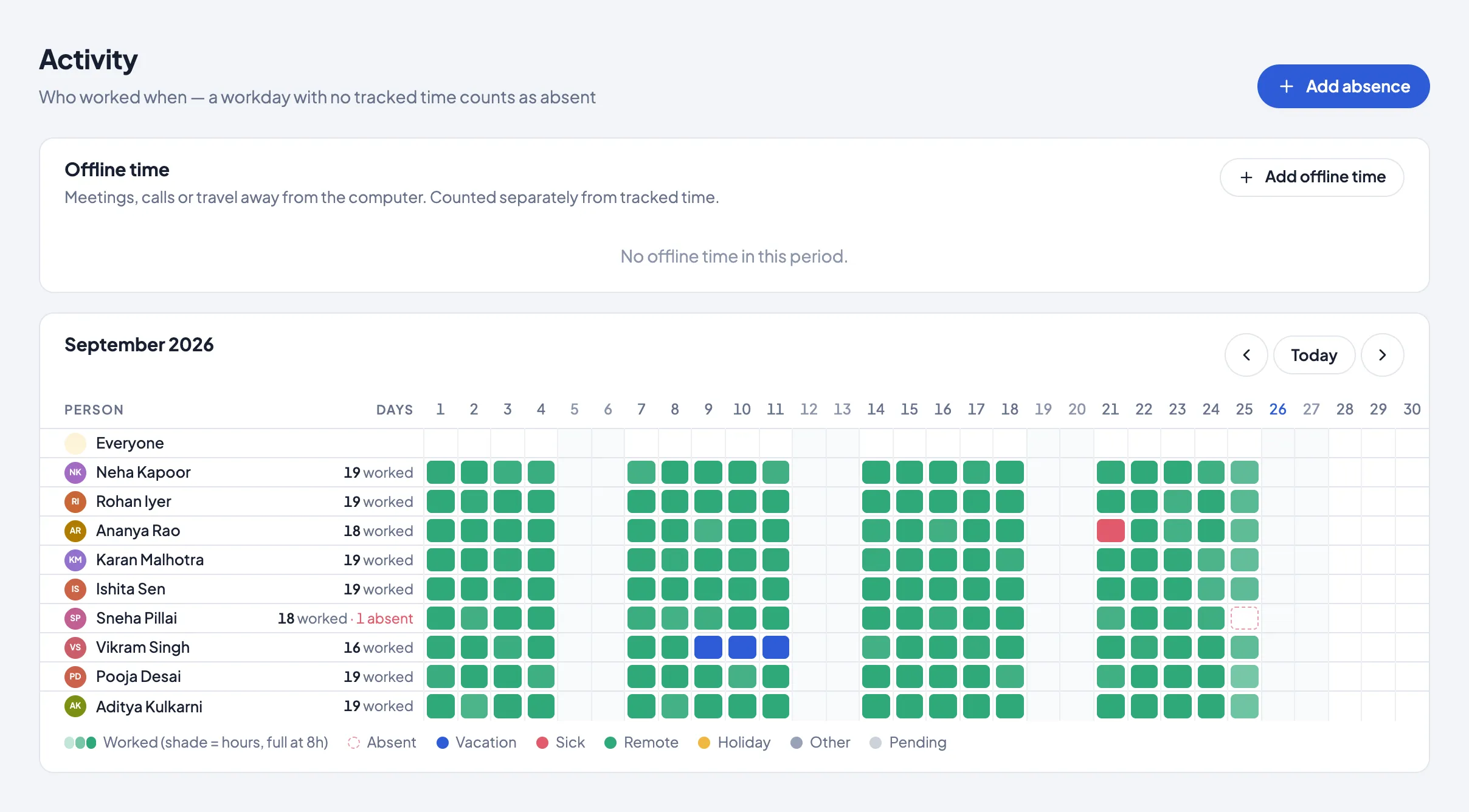
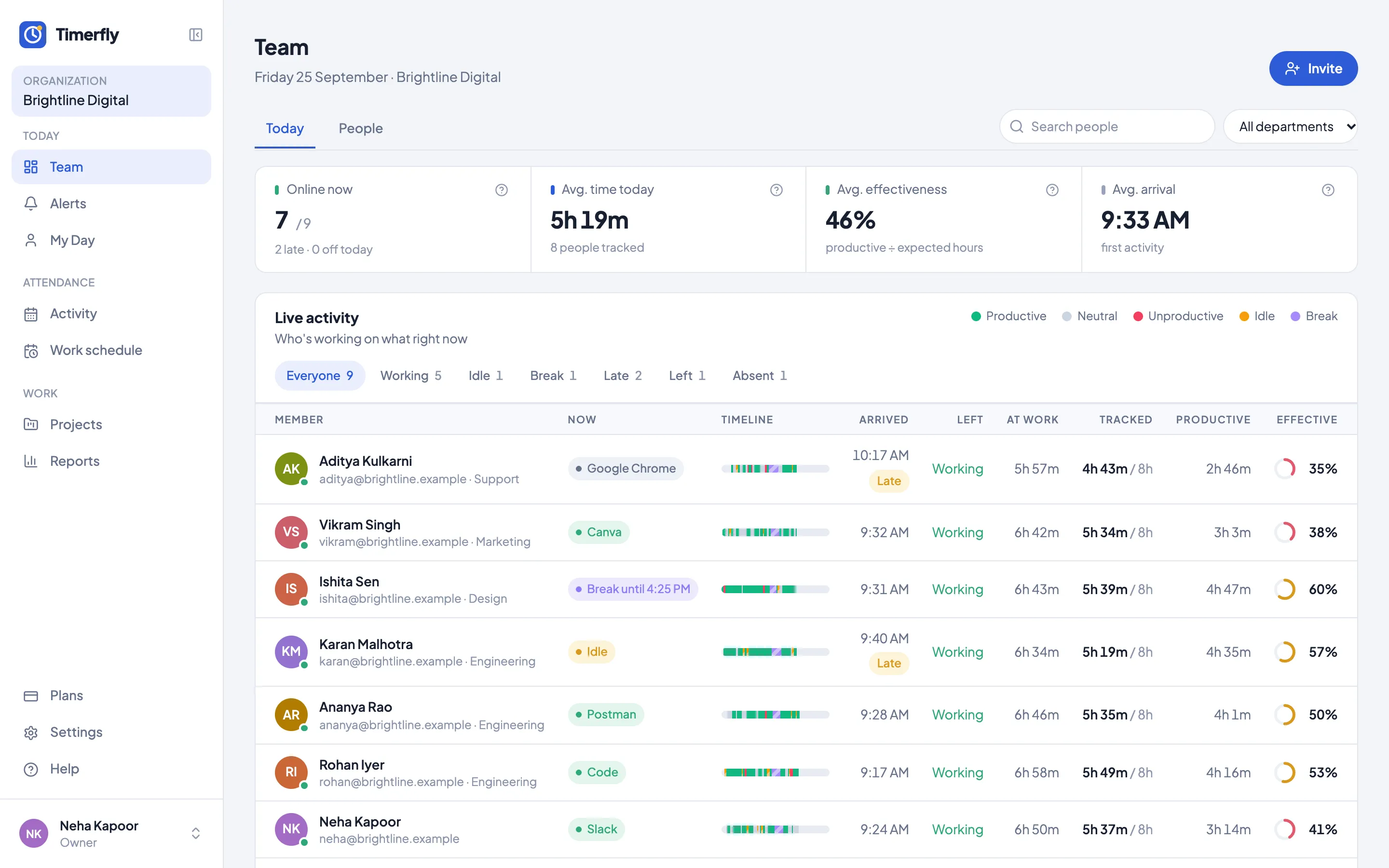
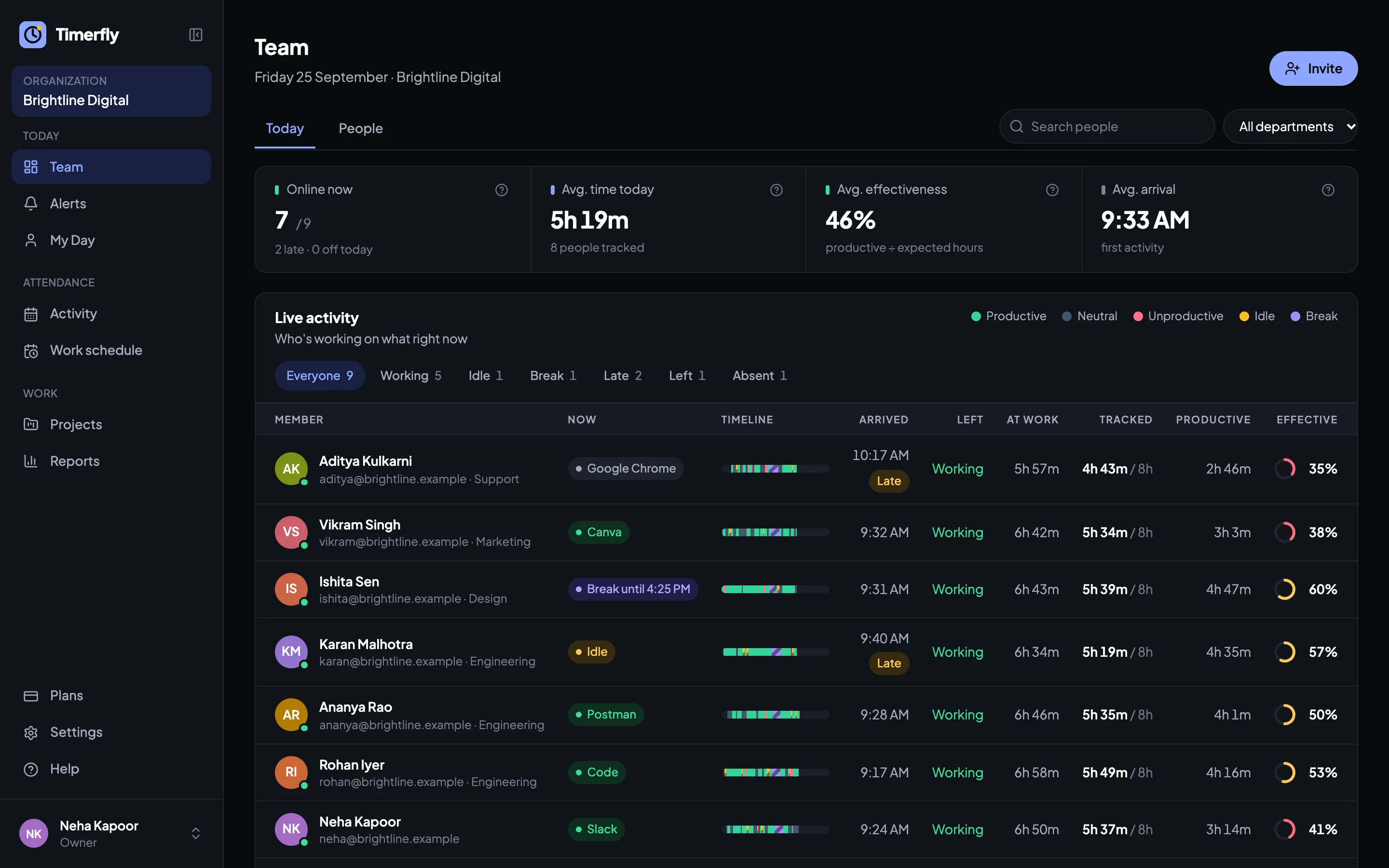
Who has started, who is late and who hasn’t come in, updated every minute. A manager sees only their own department.
Month end, without the spreadsheet work
An Excel your payroll can use
Paid days, loss of pay, half days, leave by type, late marks, left-early marks and overtime, one row per person. It works alongside the payroll or HR software you already use, on your own pay dates: the 26th to the 25th works too.
The whole month on one screen
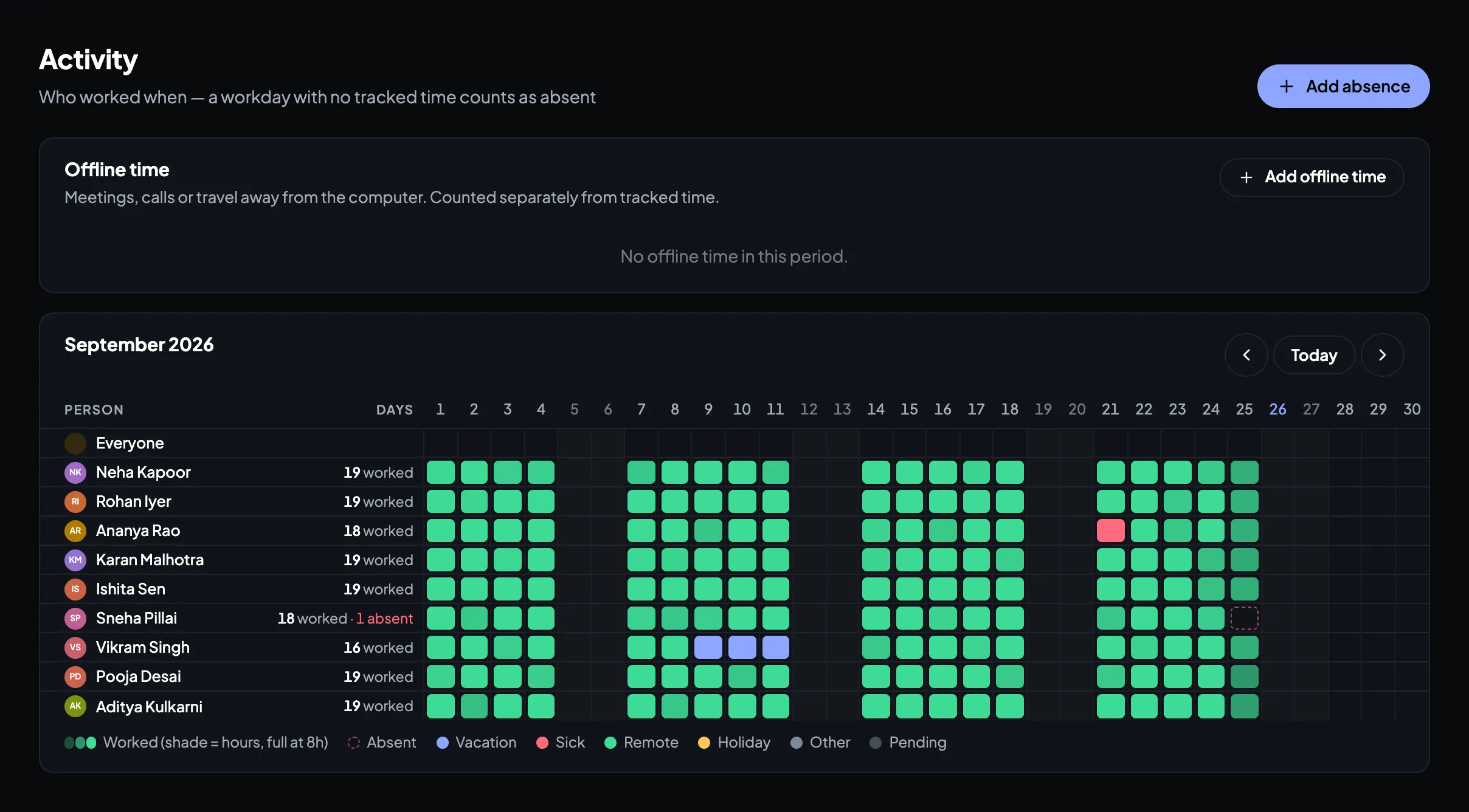
Every person, every day: worked, late, absent, on leave or a holiday. Click a name to follow one row across the month, or show one department.
Leave requests and approvals
Employees ask for leave in the app, their manager or an admin approves it, and both get an email. Every request waiting for you shows as a number in the menu.
A summary in the inbox
A daily, weekly or monthly email at 9 AM for the whole company, a manager’s department or one person.
Why the computer and not a fingerprint
A biometric machine records who came through the door. For people who work at a computer, that isn’t the working day: someone can arrive at 9:30 and start at 10:15. Timerfly records the first and last work on the computer itself, so the attendance you pay salary on matches the work that was done. And nobody can mark a colleague present from their own computer.
Questions
How does Timerfly know when someone arrives?
A small app on each Windows or Mac computer records when work starts and stops. The work day can start by itself with the first keyboard or mouse use in someone’s work hours (with a notification), or when they press Start work. You choose which in Settings.
Do we still need a biometric machine?
Not for people who work at a computer. A fingerprint shows someone came through the door; Timerfly shows when they actually started and stopped working. Many companies keep the machine for the door and use Timerfly for the day.
What if the internet goes down?
The app keeps recording on the computer and sends everything once the connection is back. Nothing is lost.
Does it work with our payroll or HR software?
Timerfly doesn’t replace it. At month end, download the attendance Excel (paid days, loss of pay, leave, late marks, overtime) and use it in the software you already have.
Can we use our own shifts and rota?
Yes. Set shifts by person and by day, copy last week in one click, or plan the week in Excel and upload it. Employees can ask for a shift change or swap, and the manager approves it.
Which plan do we need?
Schedules, shifts, late and absent marks and report emails are on every plan, from ₹159 per person a month billed yearly. Leave, the monthly calendar, offline time and the payroll Excel are on Pro, ₹279. Every feature is free for 14 days, no card needed.
See tomorrow’s attendance marked for you
14 days of every feature, no card needed. Install it on a few computers and see your team’s day by tomorrow.