Employee monitoring software
Know how the work is going. Openly.
See who’s working, on what, and for how long, from your team’s Windows and Mac computers. Everyone sees their own day too, so monitoring doesn’t turn into mistrust.
What you see
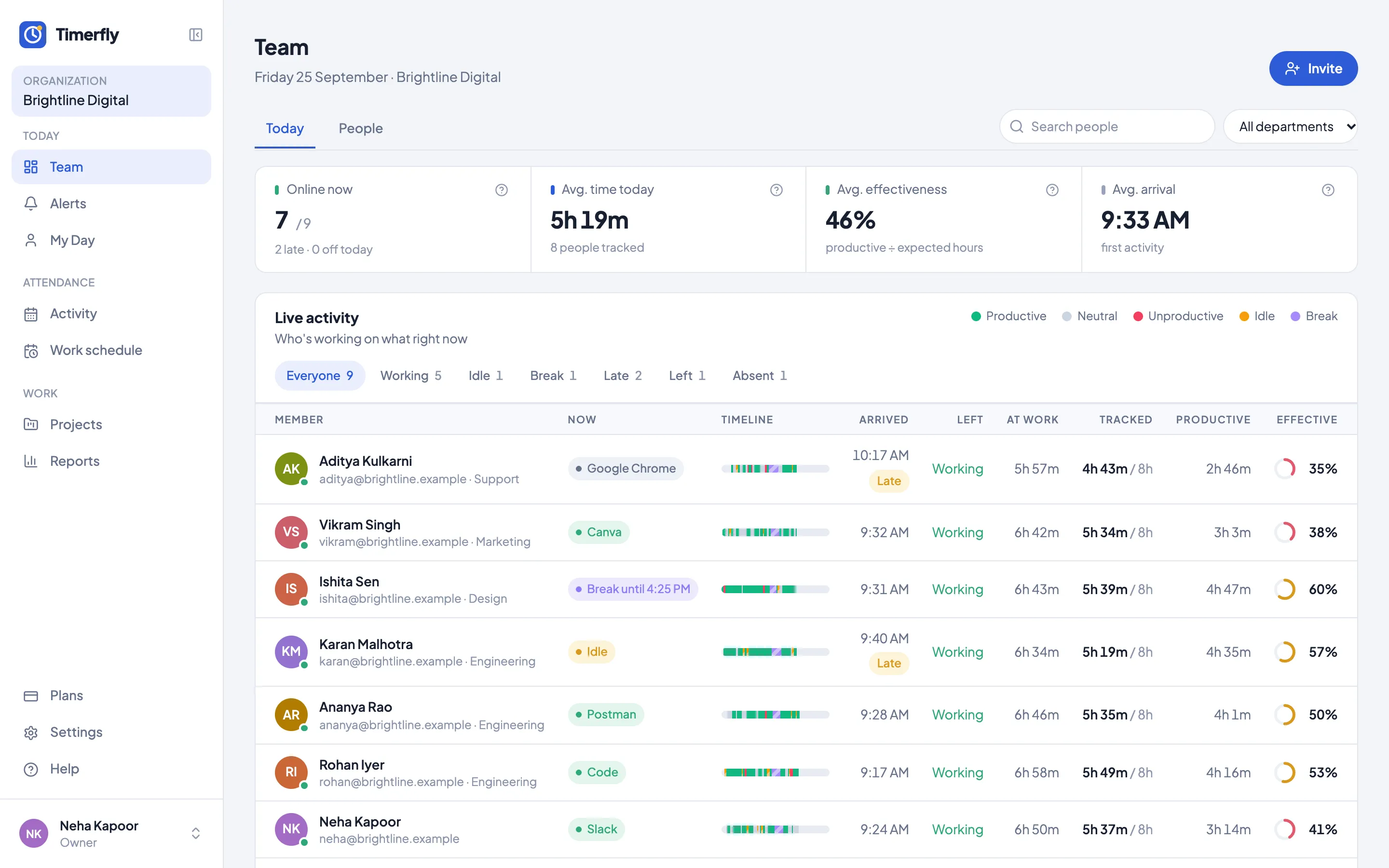
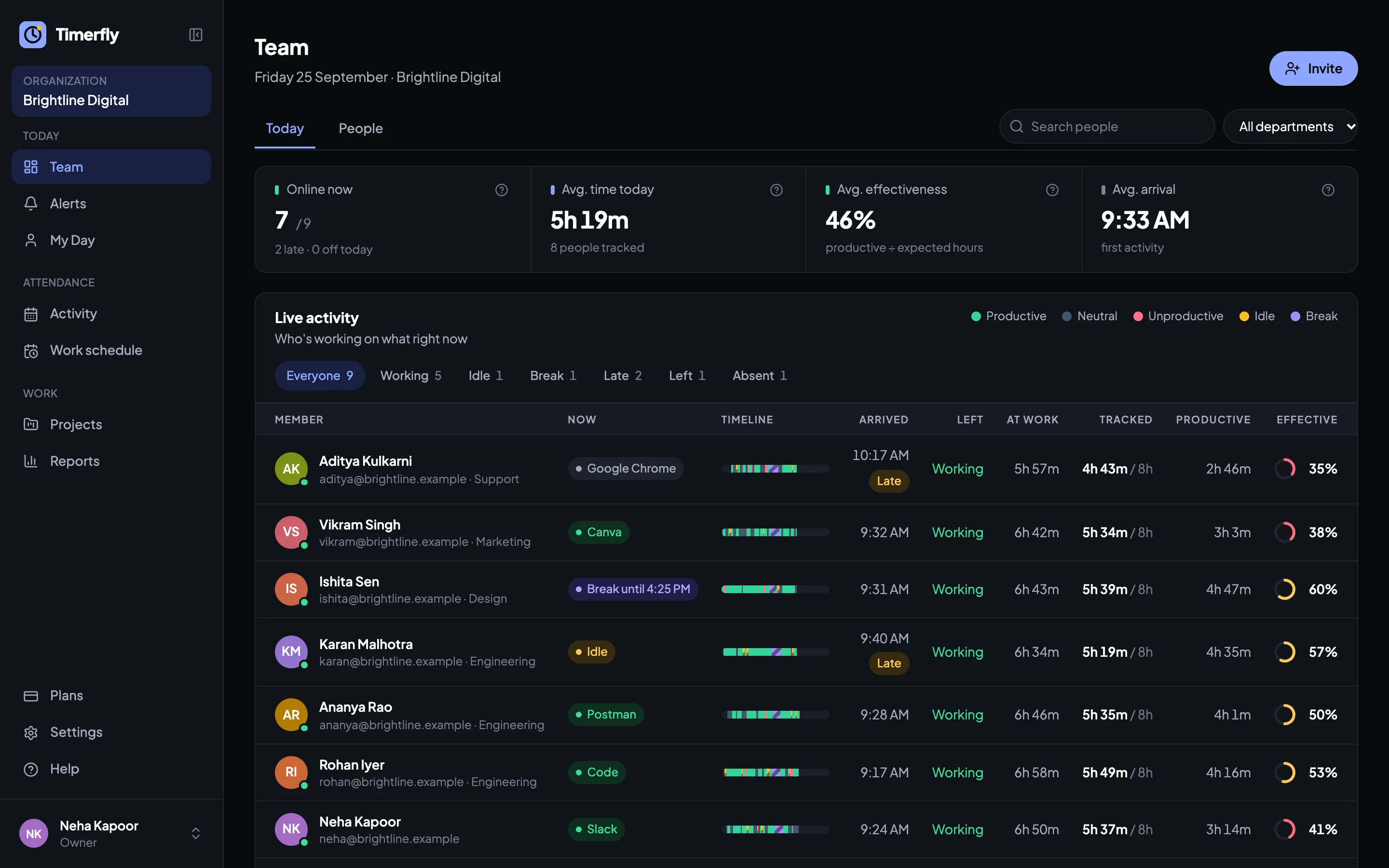
Who’s working right now
Working (and in which app), idle, screen locked, on a break or not started, for everyone, updated every minute.
Apps and websites
Every app and website counts as productive, neutral or unproductive. Start from a ready list and change it, per department if you like: YouTube can be work for Marketing and not for Accounts.
Idle time
No keyboard or mouse for a few minutes counts as idle (you choose how long). Video calls in Zoom, Teams or Meet still count as work, so listening isn’t punished.
Screenshots, if you want them
Off until you turn them on. Every 5 minutes or less often on every plan, every 2 or 3 minutes on Business; blurred for everyone, one department or one person. Kept 45 days to 6 months, then deleted.
Alerts
Late start, idle too long, a long break, too much unproductive time, overtime, a computer that stopped reporting: in Slack, Teams, Google Chat, Telegram or email within a minute.
Reports
Productive time, effectiveness, extra hours and projects by person, department or date. Excel in one click.
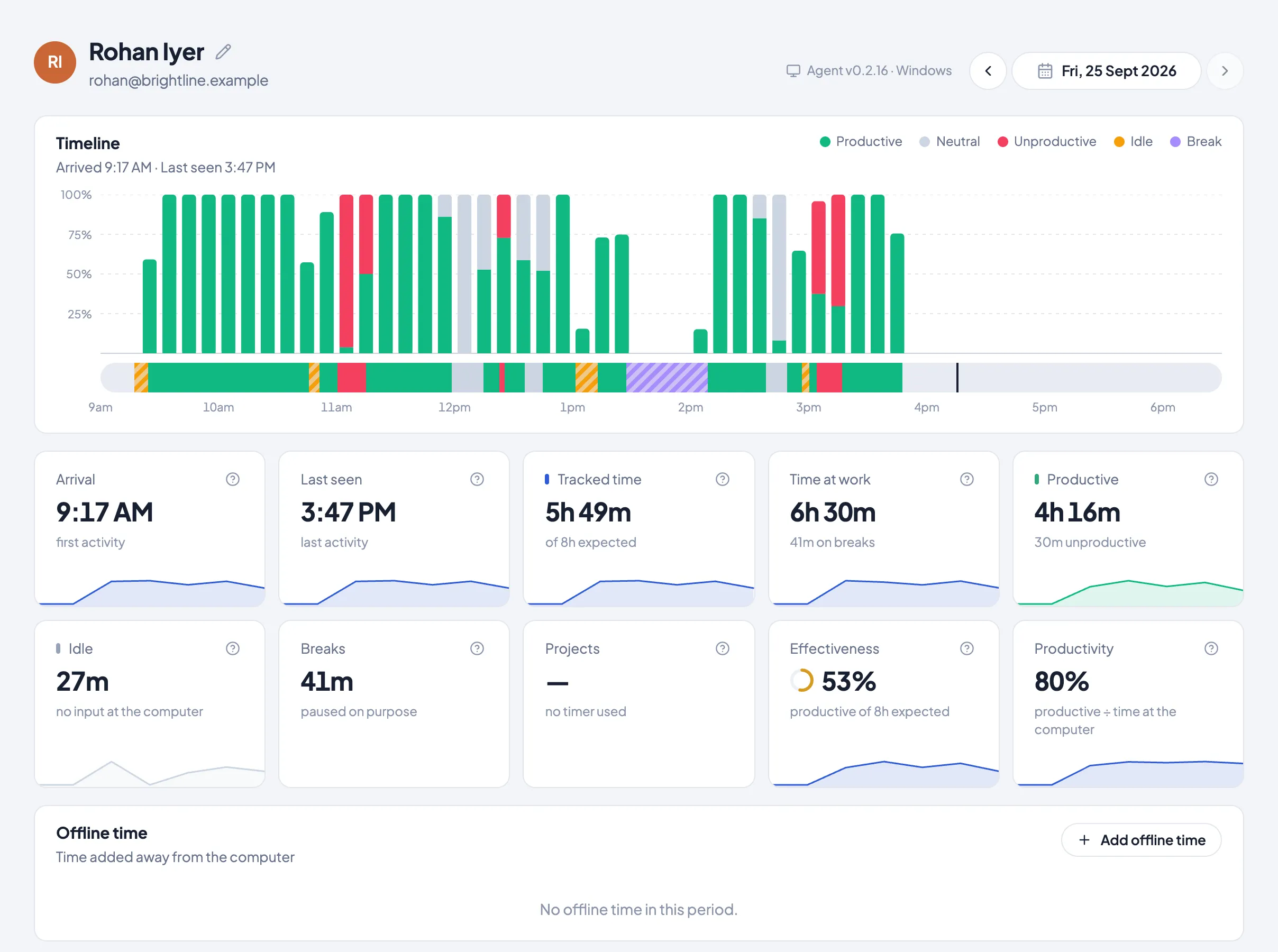
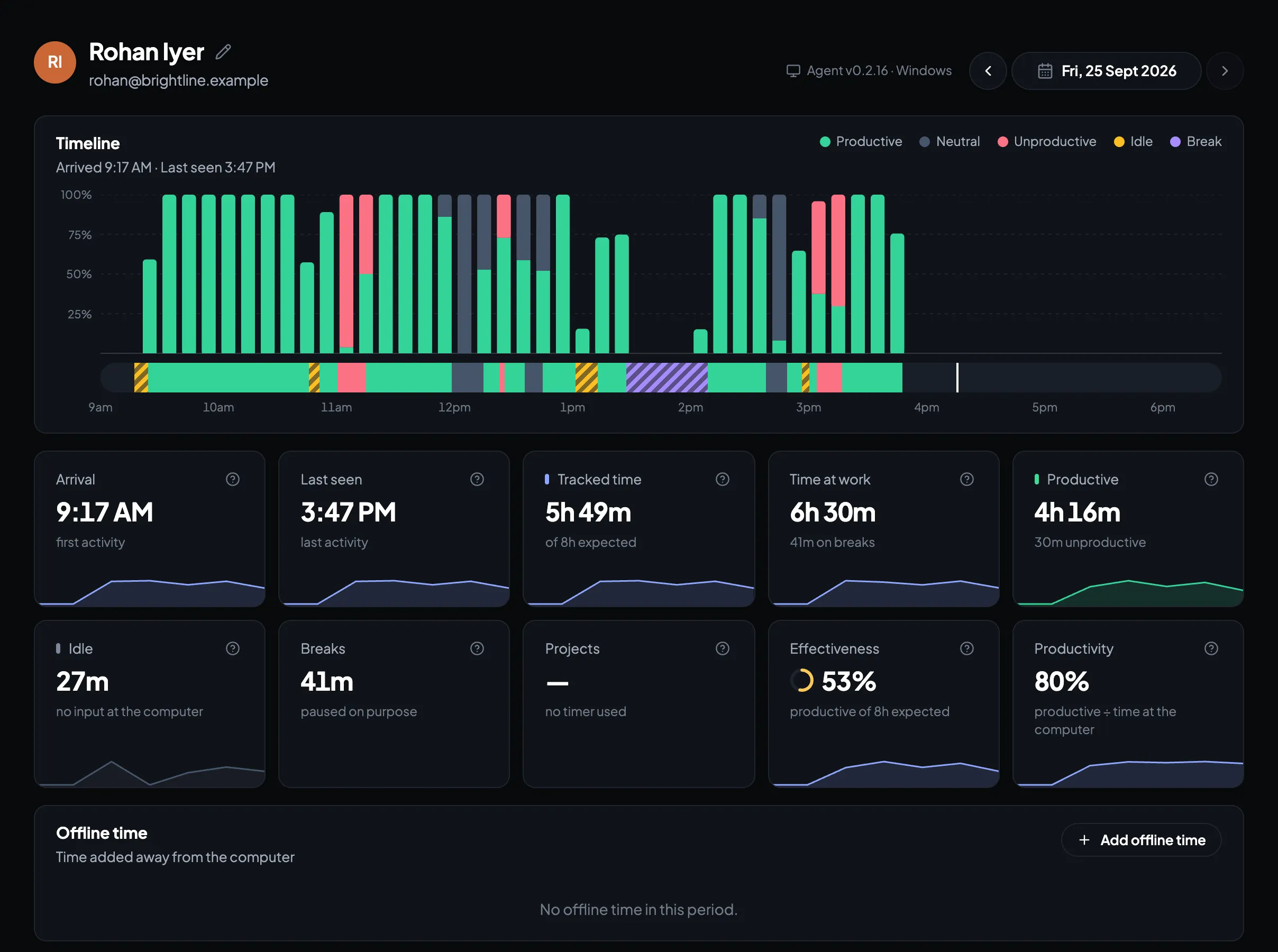
One person’s day, in ten-minute slots
Productive, neutral and unproductive time, idle and breaks, with the apps and websites behind them. The employee sees exactly this view of their own day.
Fair to the team
Hidden monitoring is what makes people refuse to install the app. Open monitoring gets installed.
People know when it’s on
The work day starts with a notification, the icon shows when recording is on, and nothing is recorded before the day starts or after Stop work.
Everyone sees their own day
The same timeline, apps and screenshots you see, they see for themselves. No secret score.
Breaks and private time
Timed breaks, and private time that records nothing at all. Their manager sees only that the time was private.
Managers see only their team
A department manager sees their own people, not the whole company.
What Timerfly never records
What’s typed
Keyboard and mouse use is counted to tell working from idle. The keys, words and clicks themselves are never recorded.
Camera and microphone
The app never turns on the camera or the microphone.
Location
No GPS or location tracking. Office or remote comes only from the office’s internet address, if you add it (Business).
Outside the work day
Before the day starts, after Stop work, during breaks and private time: nothing.
Questions
Is employee monitoring legal in India?
Monitoring work on company computers is common in India. The Digital Personal Data Protection Act expects people to be told what is collected and why, which Timerfly makes easy: a notification when the day starts, and each person sees their own data. This isn’t legal advice; for your situation, ask your lawyer or CA.
Does Timerfly record keystrokes?
No. It notices that the keyboard or mouse was used, to tell working from idle, and never records what was typed or clicked.
Are screenshots required?
No. They’re off until an admin turns them on, and can be blurred or switched off for a department or one person.
Can employees see what’s recorded about them?
Yes. Everyone sees their own day: timeline, apps and websites, and their own screenshots.
Which computers does it work on?
Windows and Mac. The app starts with the computer, keeps working without internet, and sends everything when it’s back.
How much does it cost?
From ₹159 per person a month, billed yearly. Every feature is free for 14 days, no card needed.
Try it on a few computers first
14 days of every feature, no card needed. Most teams see a full day of data by tomorrow.