For BPOs and call centres
Shifts round the clock, attendance that keeps up
Night shifts counted as one day, a rota you can plan in Excel, and an alert the minute an agent is late, idle or overstays a break. From each agent’s own computer, nothing to punch.
Shifts and rotas
Night shifts are one day
A 10 PM to 7 AM shift is one working day everywhere: attendance, late marks, hours, screenshots and the monthly totals. Not two halves split at midnight.
A rota that changes every week
Set shifts by person and by day, copy last week in one click, or plan the week in Excel and upload it. You see every change before it’s saved.
Swaps and change requests
An agent asks for a day off, another shift or a swap. The colleague agrees, the team lead approves, and the rota updates itself. Everyone involved gets an email.
The week, printed or on WhatsApp
Download the rota as a PDF for the notice board or the team group, for all teams or the ones you pick.
On the floor
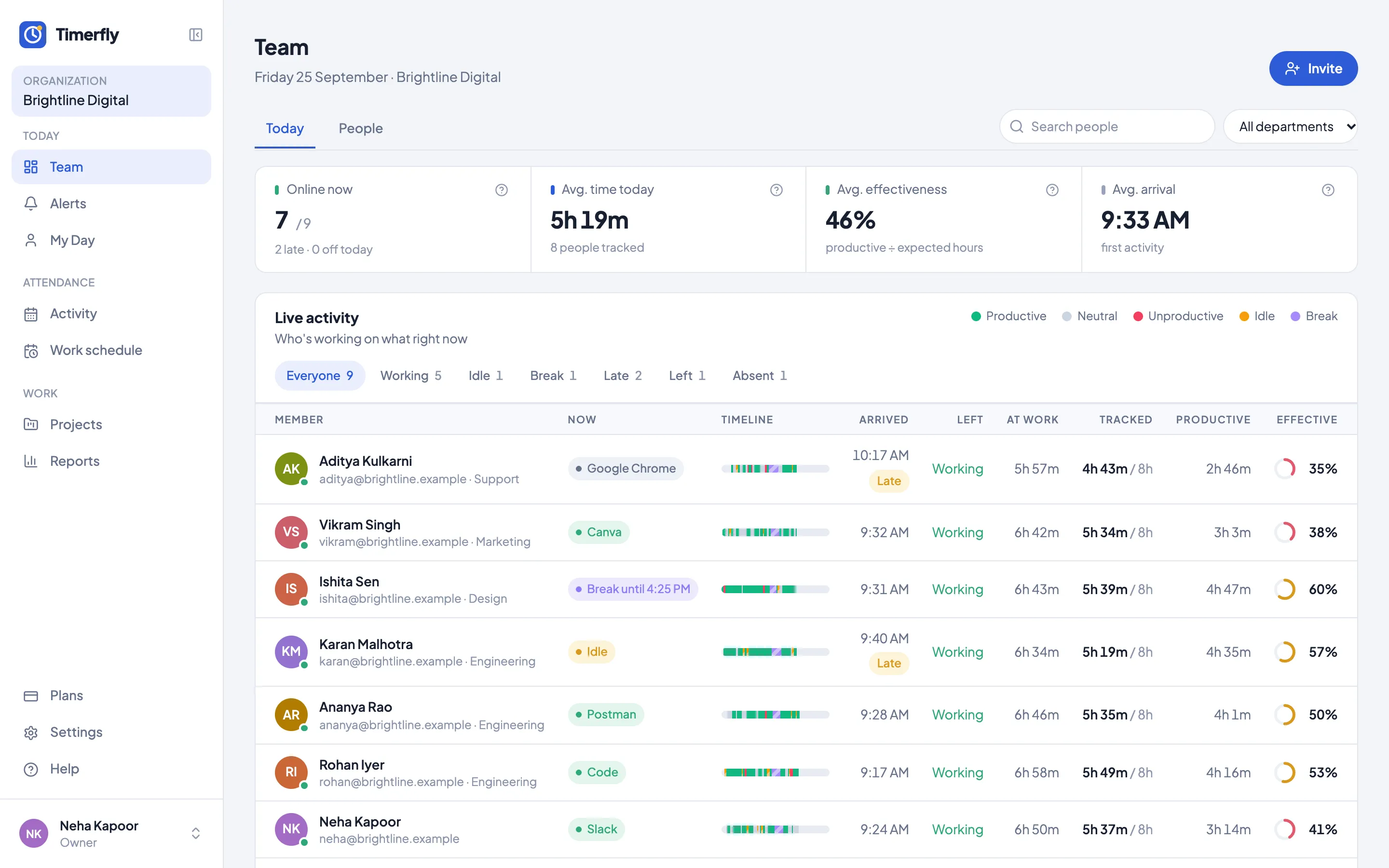
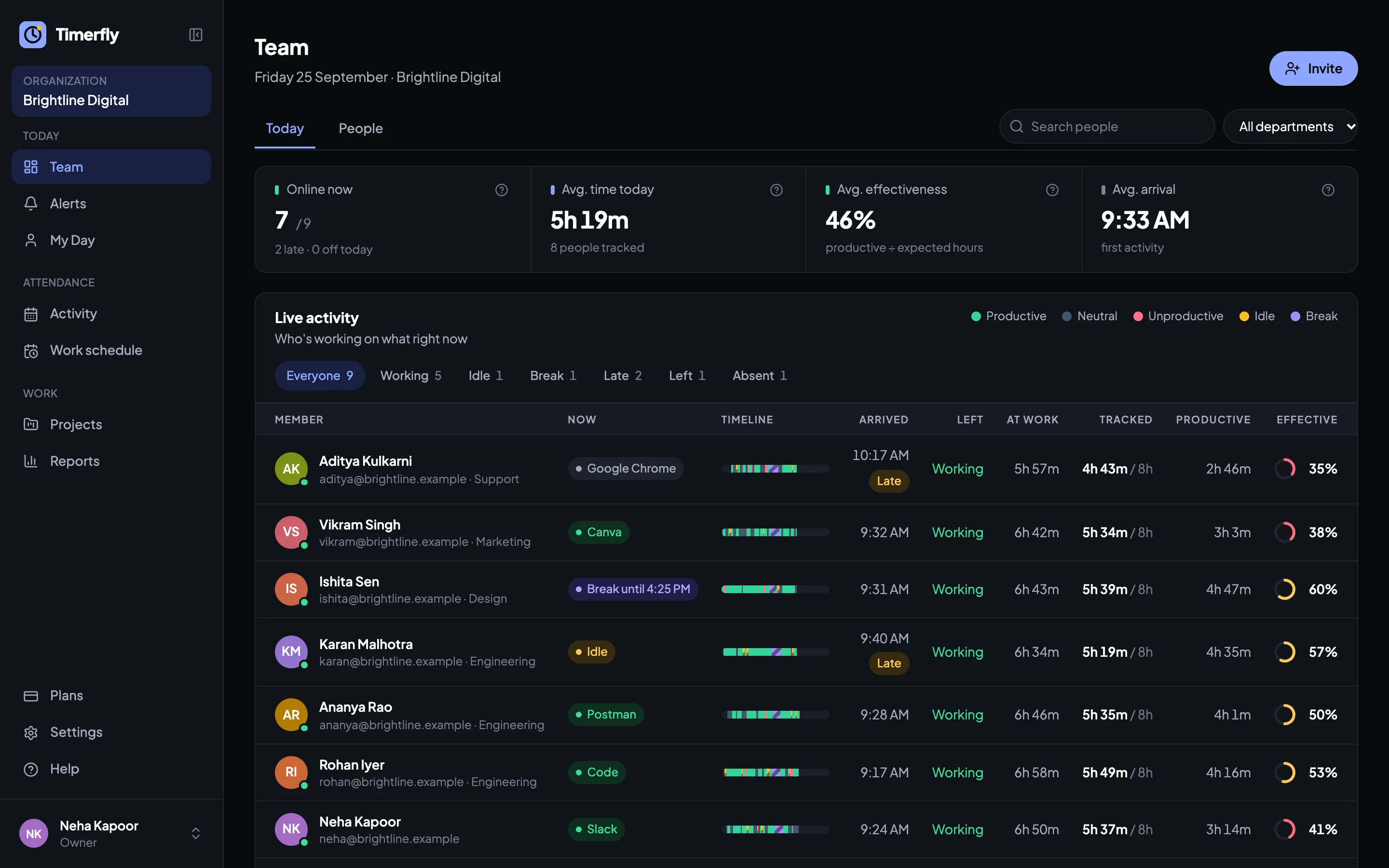
Who’s on the floor right now
Working, idle, on a break, screen locked or not in yet, for every agent, updated every minute.
Breaks that run over
Timed breaks with a reminder when they end. Alerts for a break that runs long, or too much break time in a shift.
Calls aren’t idle
An agent listening on Zoom, Microsoft Teams or Google Meet without touching the keyboard still counts as working, up to 3 hours.
Late and idle alerts, straight away
Late start or idle too long: a message in the supervisors’ Telegram, Slack, Teams or Google Chat group within a minute, with a link to that agent’s day.
Team leads see their own team
Make a team lead the manager of their process: they see, approve and get alerts for those agents only.
One login, two computers
An agent signed in on two machines is counted once, and you can be told when it happens.
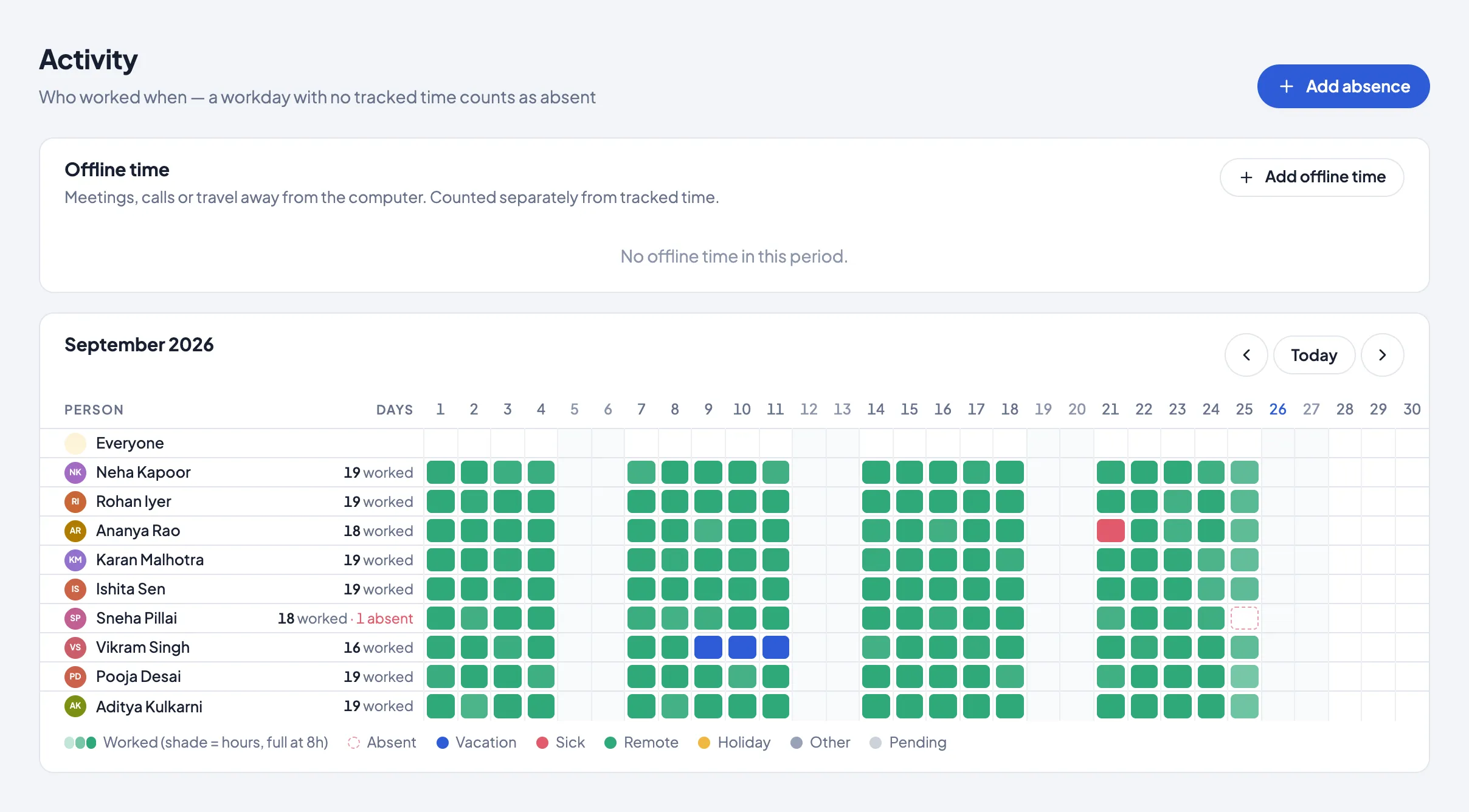
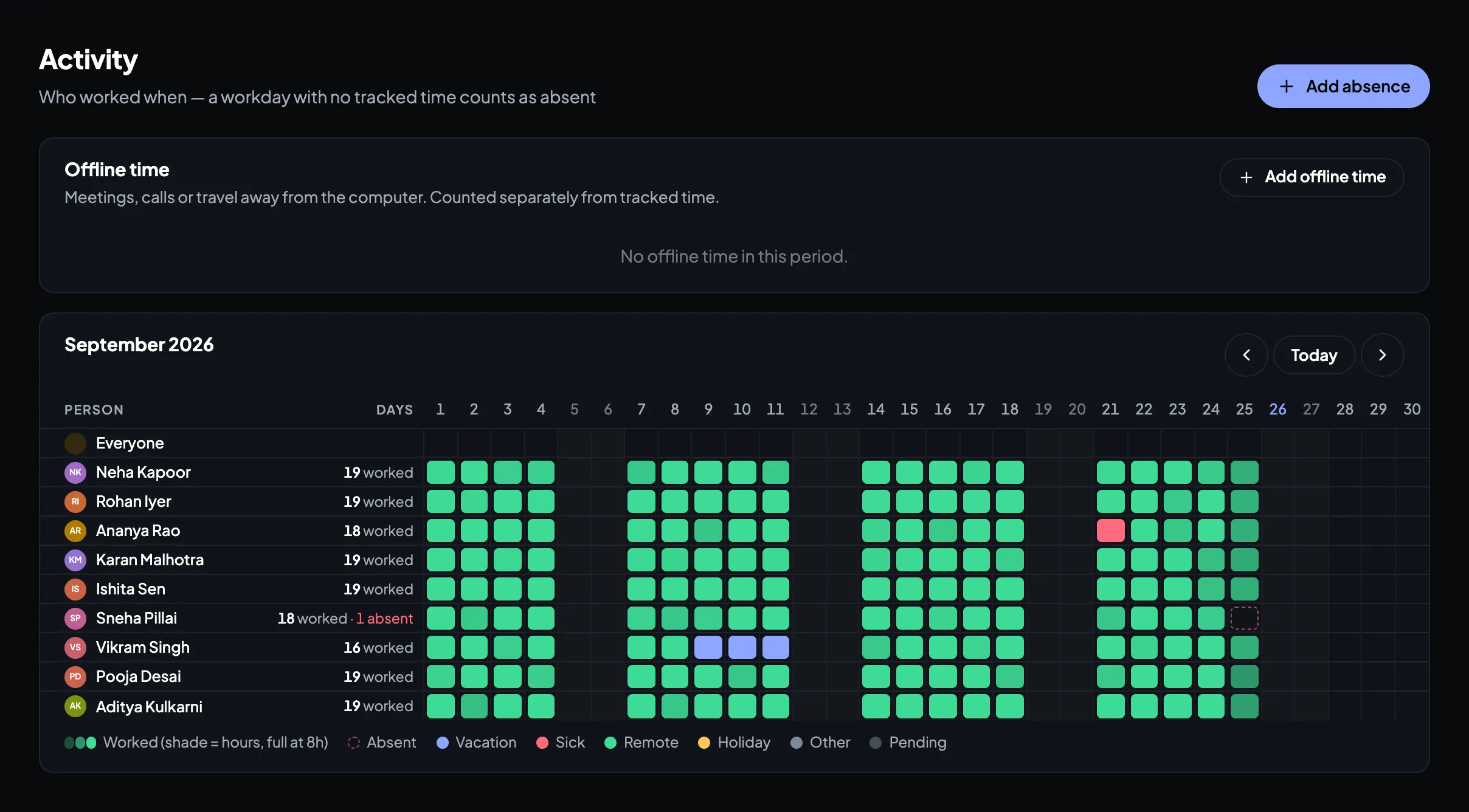
The month, per agent
Worked, late, absent and on leave for every agent, every day. Show one process at a time, and download it for payroll.
Questions
How are night shifts counted?
As one working day, the day the shift starts. Late marks, hours, screenshots and the monthly Excel all follow the shift, not the calendar date.
What happens when the internet drops?
The app keeps recording on the agent’s computer and sends everything once the connection is back.
Can agents take calls without being marked idle?
Yes, on Zoom, Microsoft Teams, Google Meet, Webex, Skype and FaceTime: time without keyboard or mouse still counts as work, up to 3 hours. You can switch it off.
Can we see which agents work from the office?
Yes, on Business: add the office’s internet address and every day shows office or remote. No location tracking.
Does it give us attendance for payroll?
Yes. On Pro, the monthly Excel has paid days, loss of pay, half days, leave, late marks and overtime per agent, to use with your payroll software.
What does it cost for 100 agents?
From ₹159 per agent a month billed yearly; Pro, with leave, alerts and the payroll Excel, is ₹279. Try every feature free for 14 days, no card needed.
Try it on one shift first
14 days of every feature, no card needed. Install it on a few agents’ computers and see the next shift as it happens.