Live demo
See Timerfly working, Live
A made-up company of 33 people, working right now. Click around attendance, late marks, idle time, apps and reports, exactly as you would with your own team.
No sign-up, no sales call. It opens in your browser.
What you’ll see in the demo
The same pages your managers would use every day, filled with a day’s work.
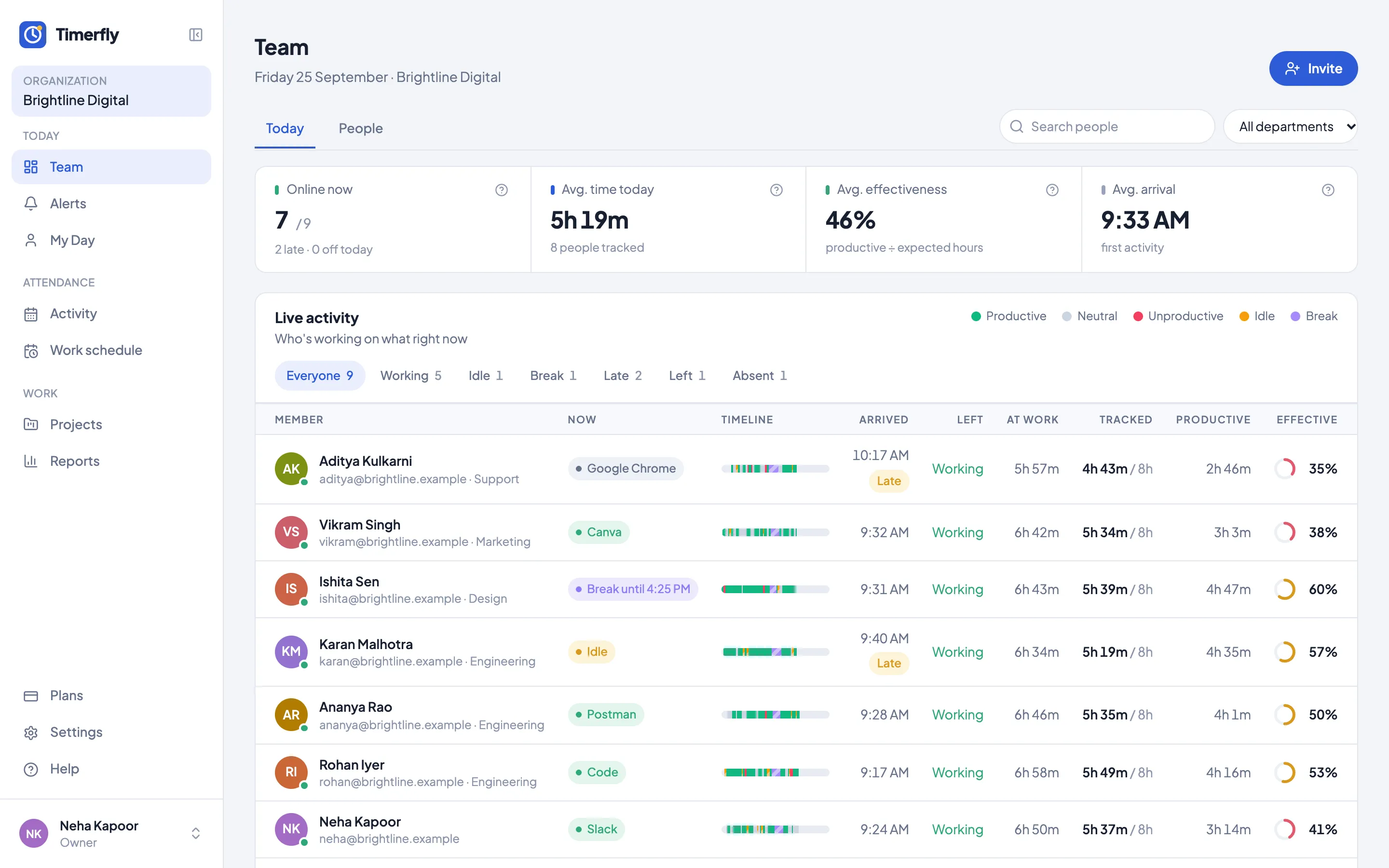
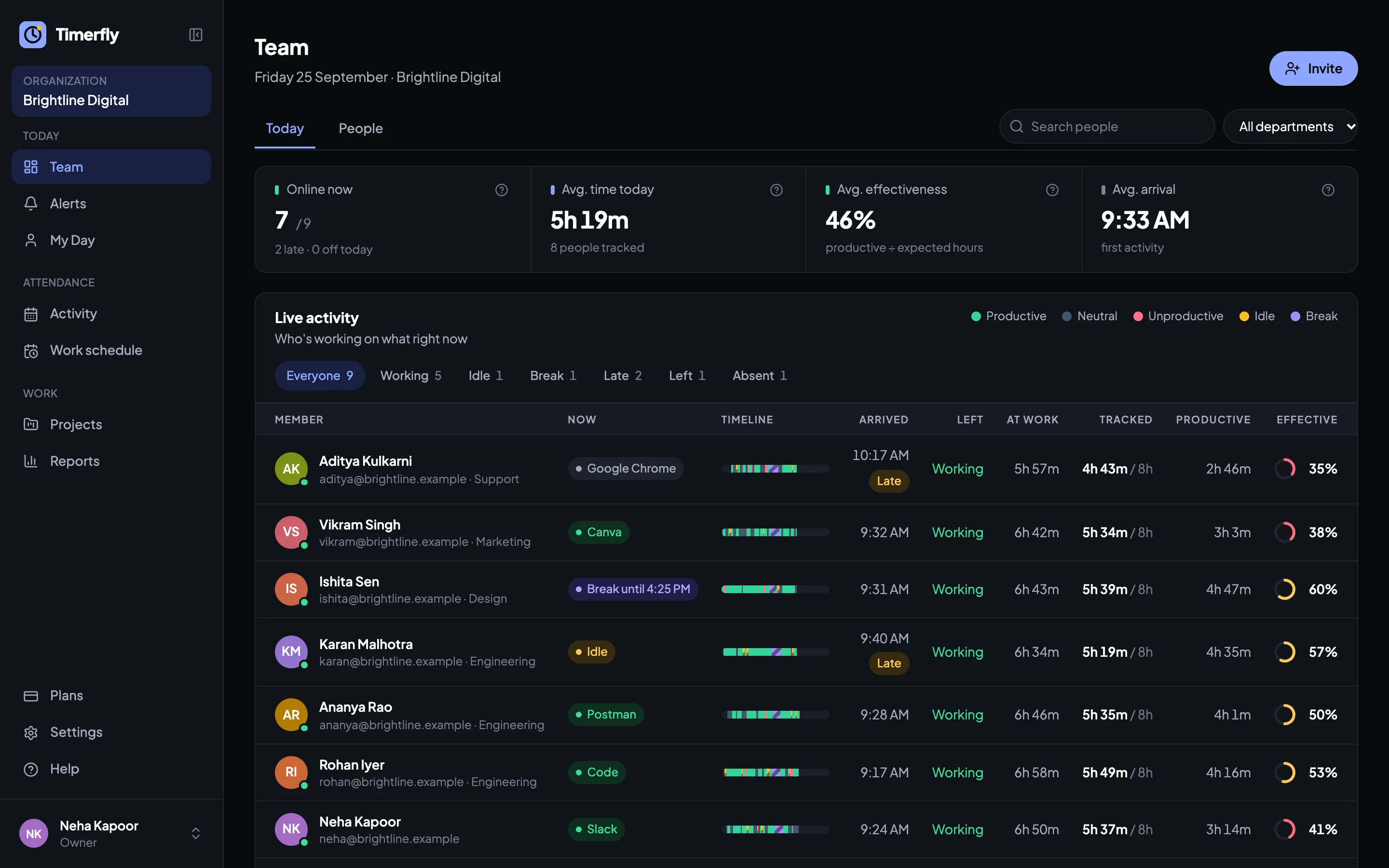
Who’s in, who’s late, who’s idle
The Team page shows every person live: working, idle, on a break or not in yet, with their arrival time and a Late mark when they came after their shift started. This is the page most owners keep open.
See it in the demo →One person’s day, minute by minute
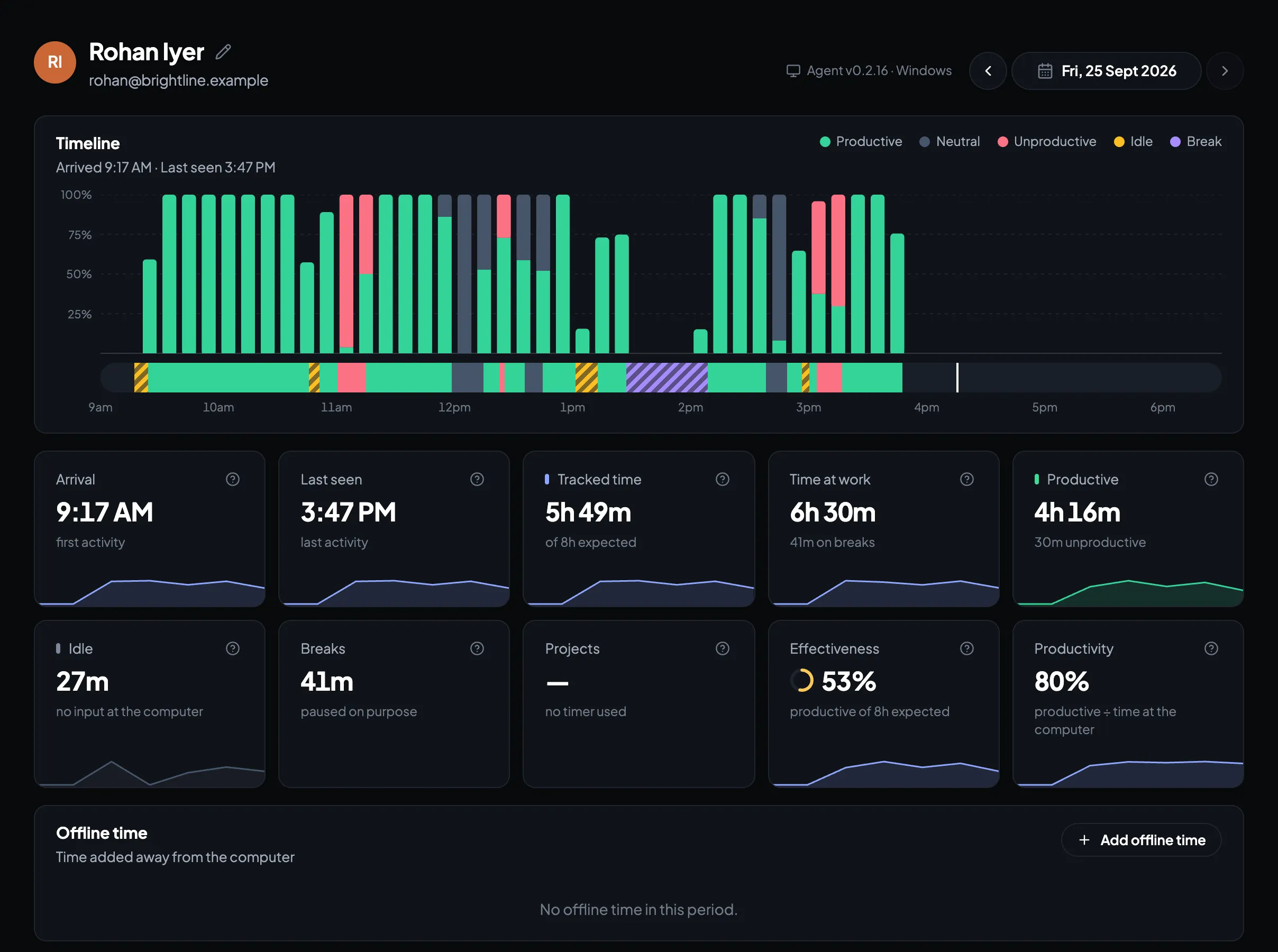
Open anyone to see their day as a timeline: when they started, which apps and websites they used, idle time, breaks and when they stopped. Productive, neutral and unproductive time are coloured, so a slow afternoon stands out.
See it in the demo →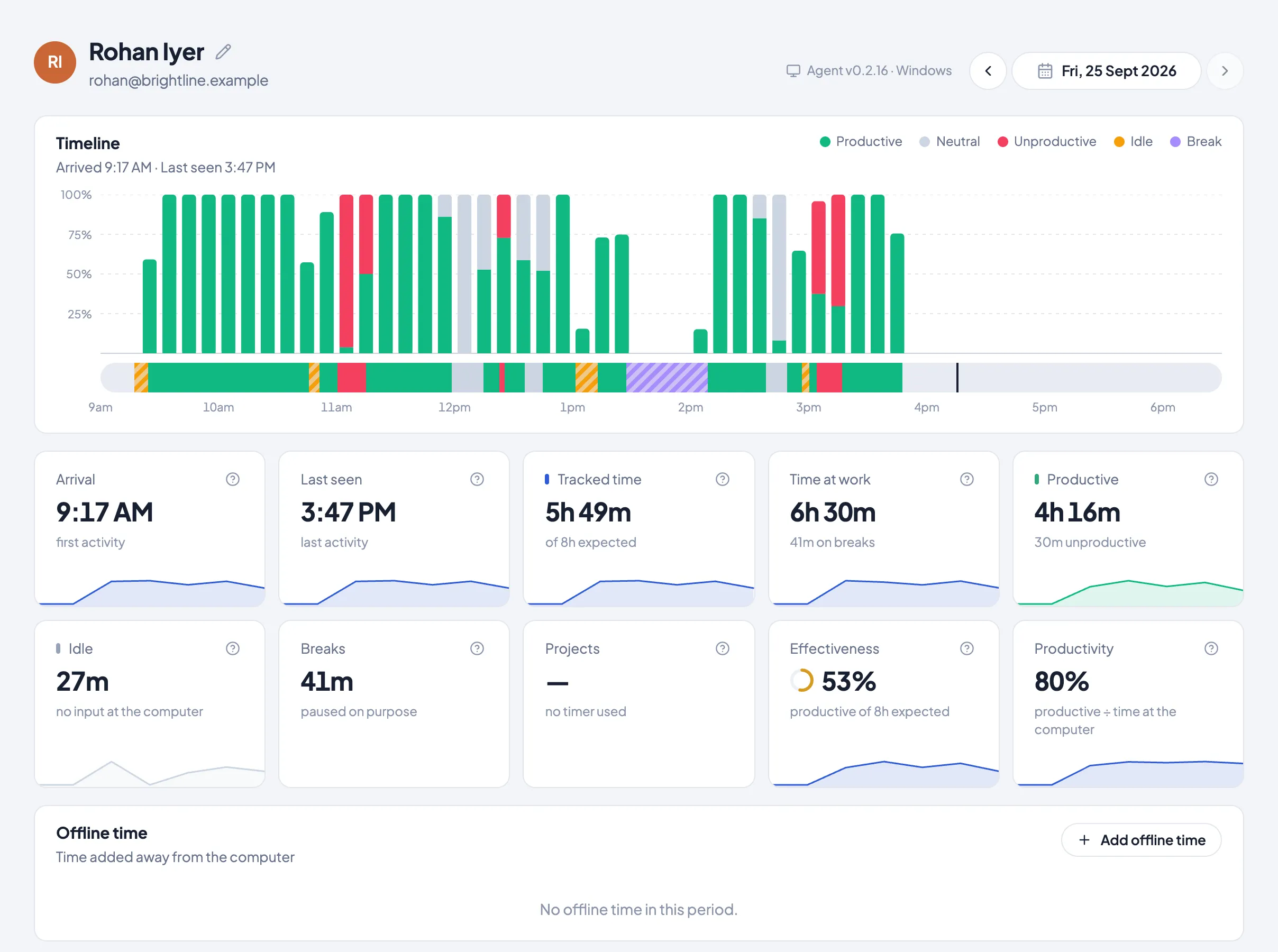
Apps and websites, across the team
See where the team’s time goes: the apps and sites used most, who used them and for how long. Decide what counts as productive for each department.
See it in the demo →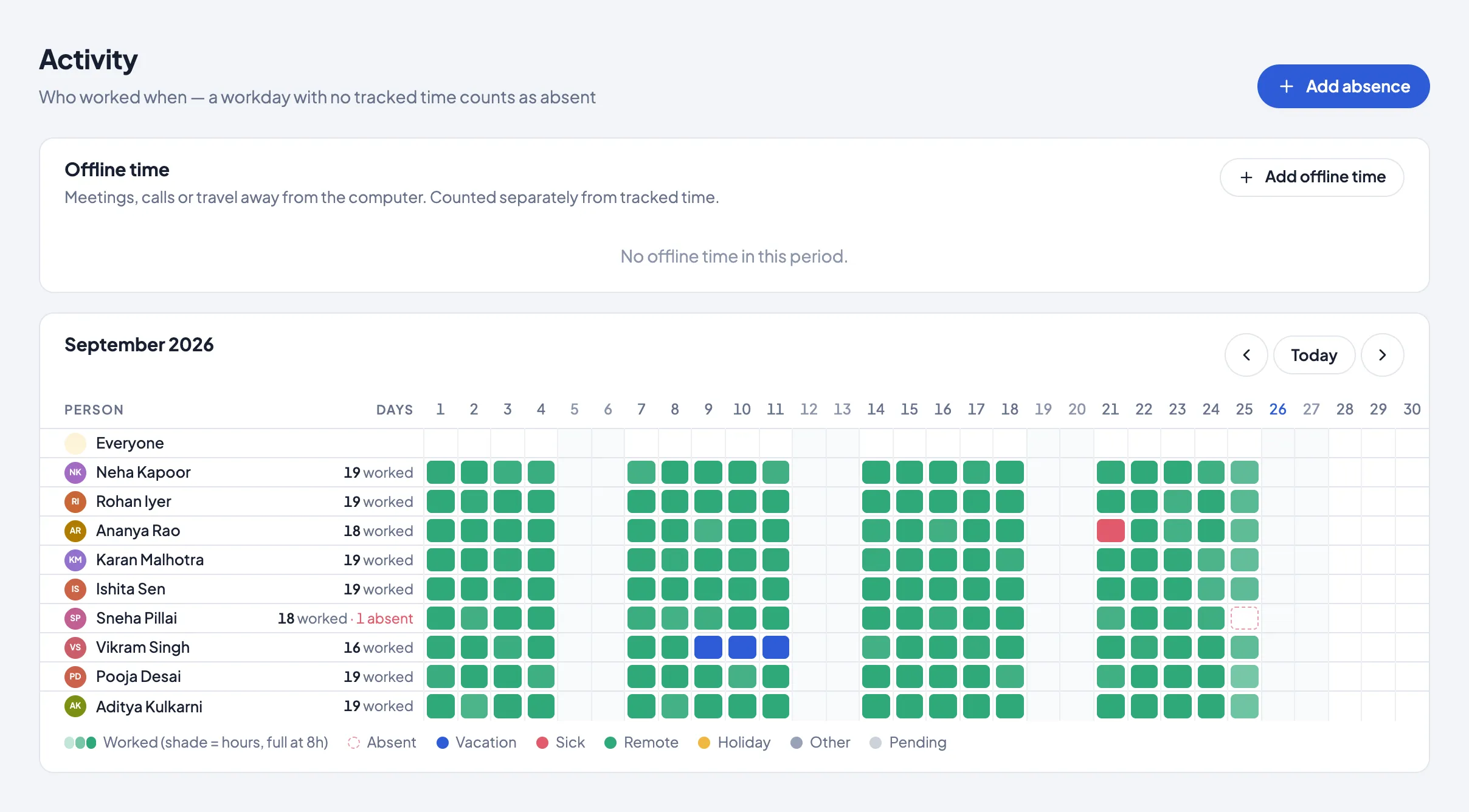
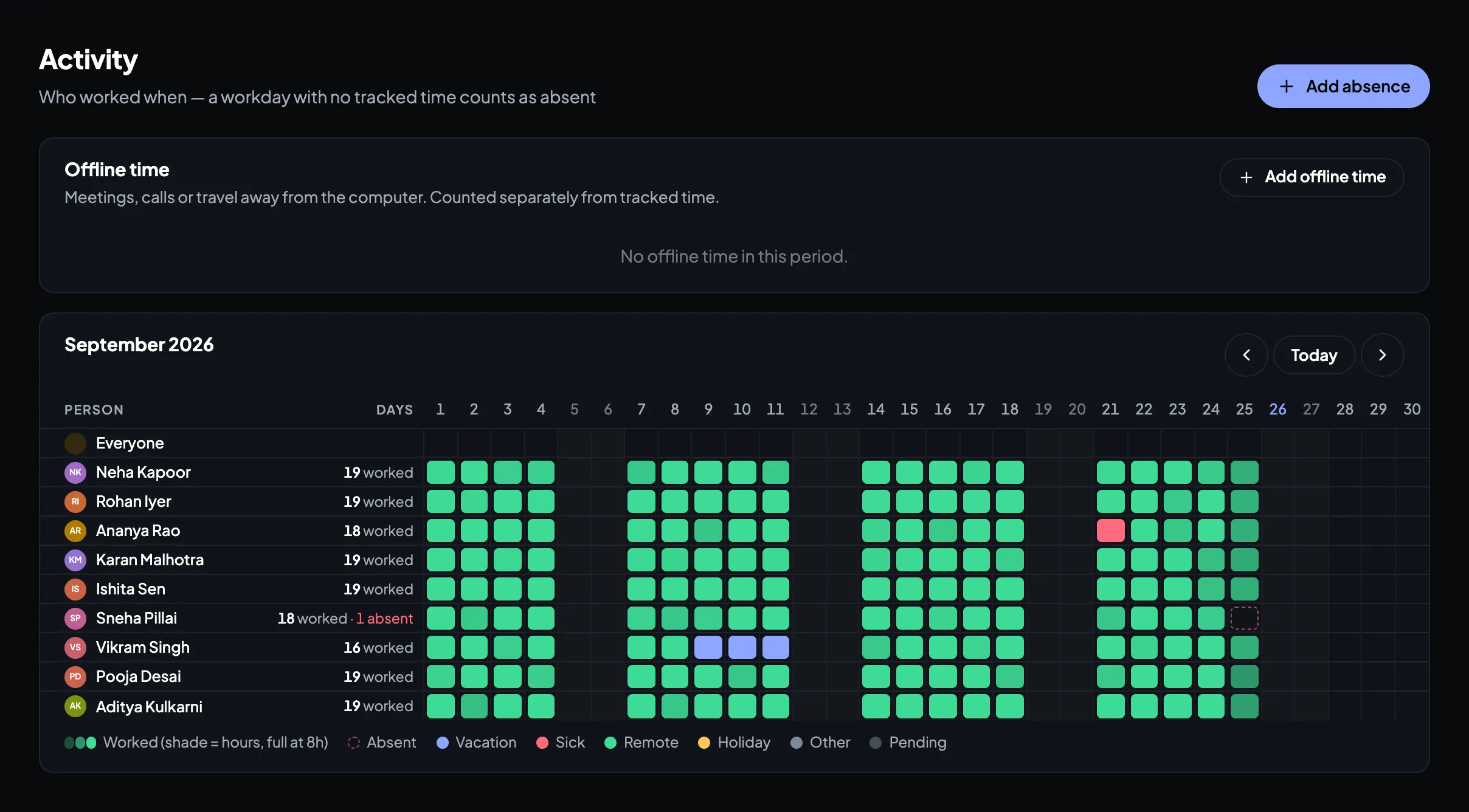
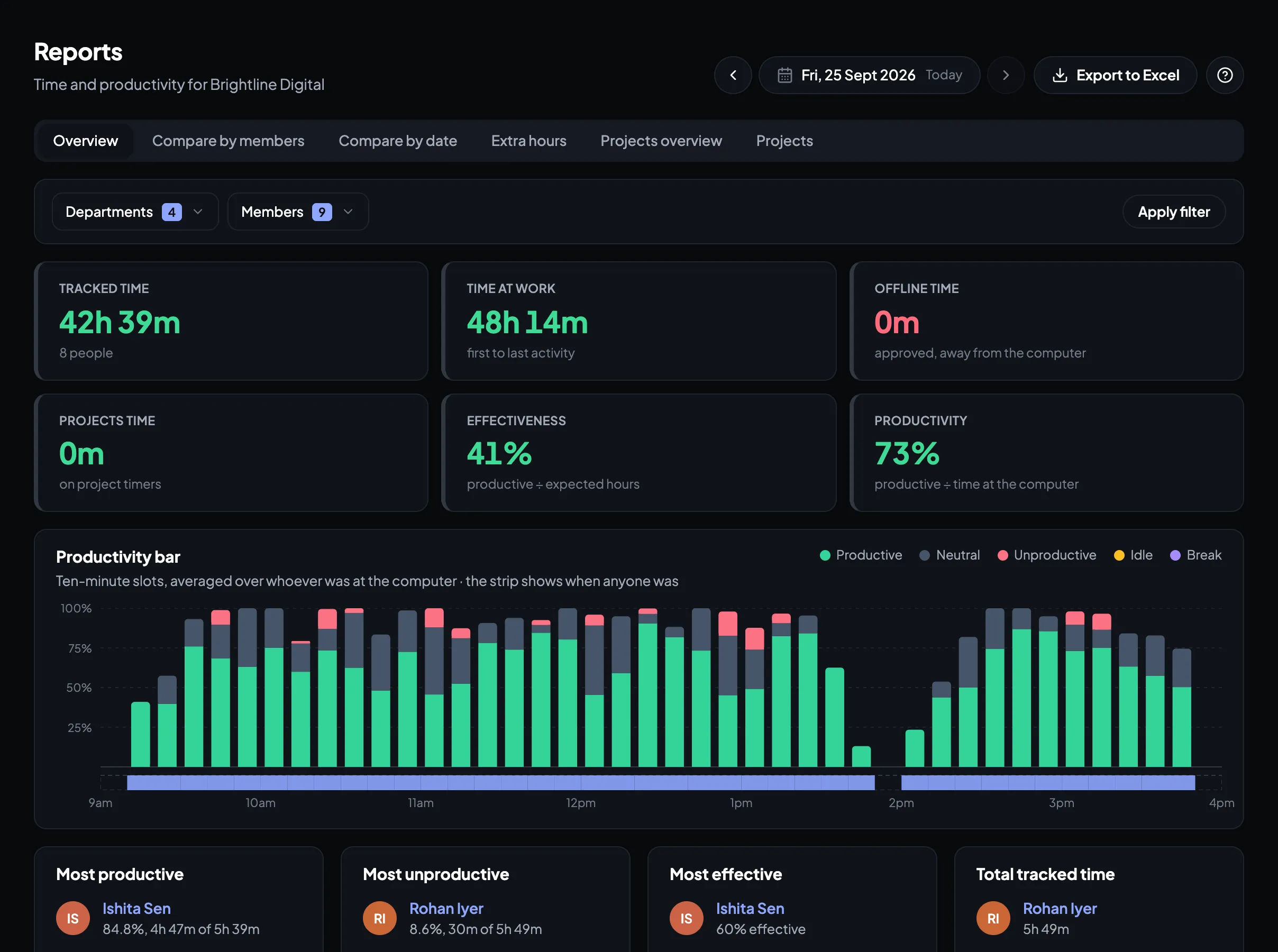
Reports and the attendance Excel for payroll
Daily, weekly and monthly reports for the whole company or one department, late marks and extra hours, and a monthly attendance Excel with paid days and leave to hand to payroll.
See it in the demo →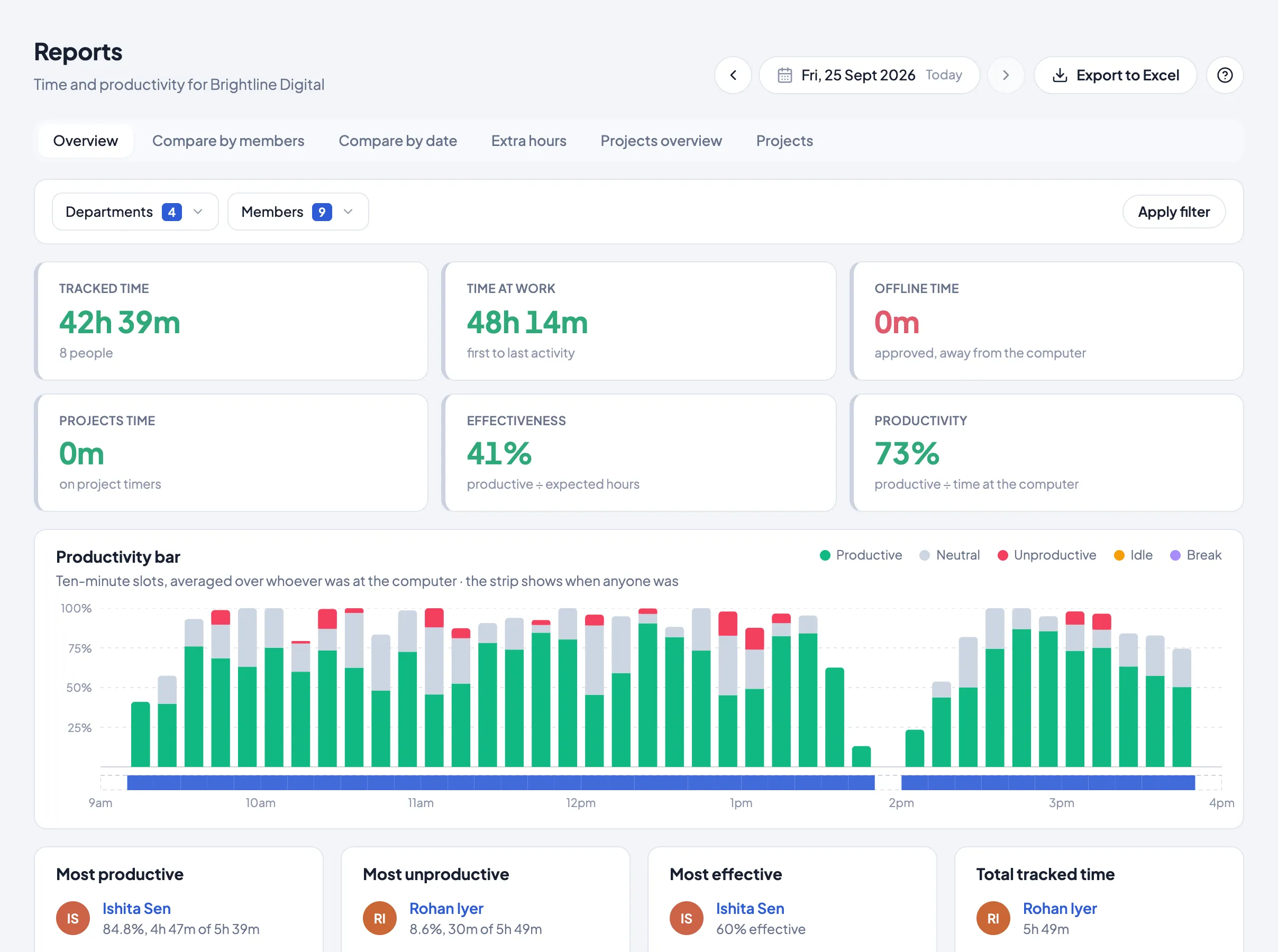
The demo or the free trial?
The live demo
A quick look in one minute: a made-up team, every page to click through, nothing to install.
Open the live demo →The free trial
Your own team for 14 days, every feature, no card. Install the desktop app on a few computers and see your real day by tomorrow.
Start the free trial →Setting it up for your team
When you’re ready to try it with your own people: the first day as an owner, in under a minute.
Questions
Is the Timerfly demo free?
Yes. The live demo is free and open to anyone: click Open the live demo and you’re in.
Do I need to sign up or book a call?
No. There’s no form, no email and no sales call. The demo opens in your browser straight away.
Is the data in the demo real?
No. It’s a made-up company of 33 people whose day plays out live, so you can click around everything without seeing anyone’s real data.
Can I try Timerfly with my own team?
Yes. Start the free trial: 14 days with every feature, no card needed. Install the desktop app on a few computers and you’ll see your team’s day by tomorrow.
Does the demo work on my phone?
Yes, it runs in any browser. The full picture is easiest on a laptop or desktop.
How much does Timerfly cost after the trial?
From ₹159 per person a month billed yearly. Pro, with leave, alerts and the payroll Excel, is ₹279. See the pricing page for every plan.
Ready to see your own team?
14 days of every feature, no card needed. Install it on a few computers and see your team’s day by tomorrow.