How do I sign in to the desktop app?
With the same email and password you use on the Timerfly website.
- 1Open Timerfly (click its icon in the menu bar on a Mac, or next to the clock on Windows).
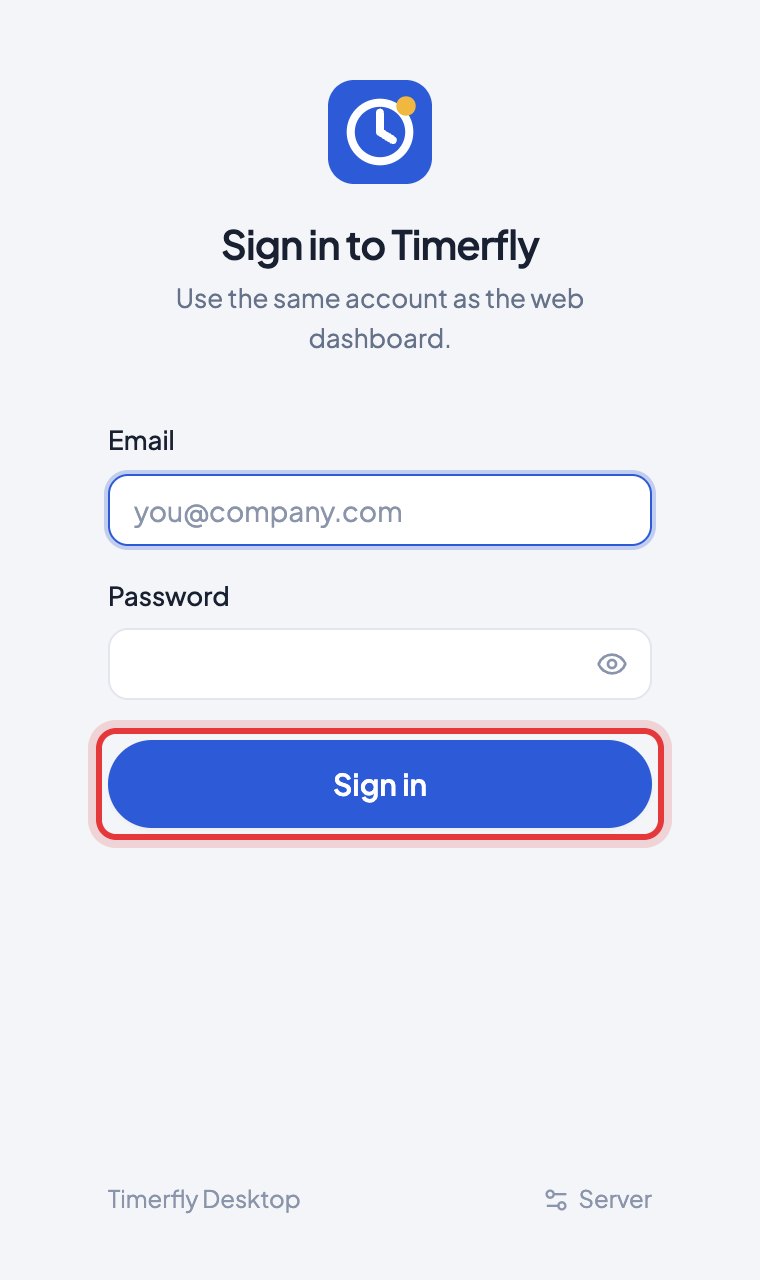
- 2Enter your Email and Password and click Sign in.
- 3If you use two-factor sign-in, type the 6-digit code from your authenticator app and click Verify.
- 4If you belong to more than one company, choose the one this computer is for.
Still stuck? We’re happy to help.
Ask usMore on getting started
- What is Timerfly, in one minute?
- I just signed up. What do I do first?
- How do I install the desktop app?
- Windows says "Windows protected your PC" when I install. Is it safe?
- Why does the Mac app ask for permissions?
- I got an invite email. What do I do?
- I forgot my password.
- How do I change my password?
- How do I turn on two-factor sign-in?
- How do I reach Timerfly support?
- I belong to two companies. How do I choose one?
New to Timerfly?
Try every feature free for 14 days.