How do I plan the week on Work schedule?
For managers and admins
Click Edit schedule, pick the days in the grid, choose a shift, then Save. Everyone selected gets it.
- 1Open Work schedule and click Edit schedule.
- 2Click the days to change — a name selects the whole week, a day heading selects that day for everyone.
- 3In the bar that appears, click a shift, Day off, or Usual schedule. Changed days turn amber.
- 4Click Save. Cancel puts everything back as it was.
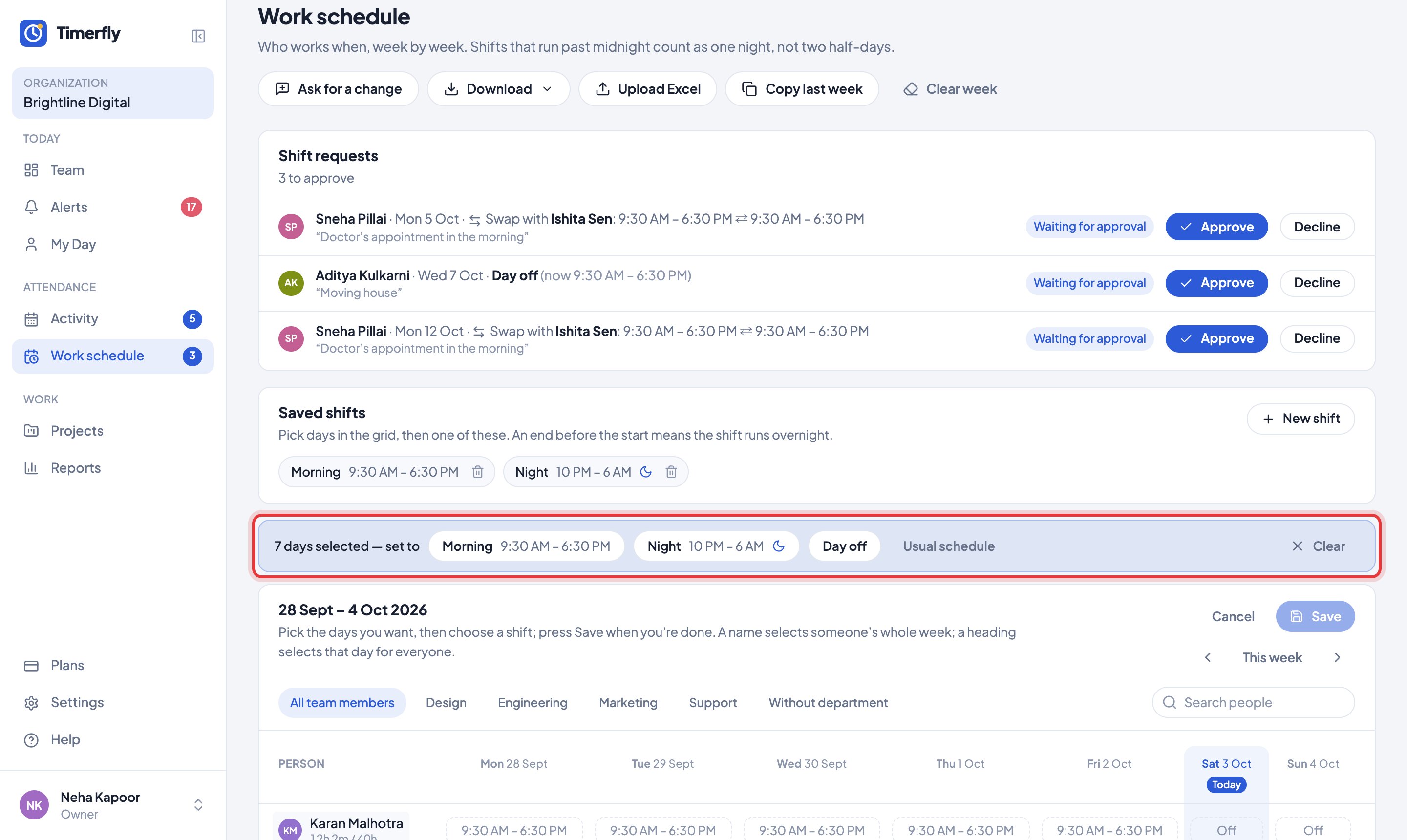
Until you click Edit schedule the grid is read-only, so a stray tap changes nothing. Nothing is saved until Save.
Managers plan the people in their departments; admins plan everyone. Admins can make the schedule view-only for managers in Settings → Permissions.
Still stuck? We’re happy to help.
Ask usMore on shifts and schedules
- How do I change our company name or time zone?
- How do I set our working hours?
- We work in shifts. Does Timerfly handle that?
- How do I copy last week, or start the week again?
- On a night shift, which day does the work count on?
- I changed a shift after the person started work. Are their hours right?
- Can I plan shifts in Excel, or print the rota?
- Can an employee ask for a day off, another shift or a swap?
- How do I answer shift requests?
- Where do I see my shifts?
New to Timerfly?
Try every feature free for 14 days.