How to set grace minutes for late marks
1 min video
Set Grace (minutes) so people are marked late only after the grace period; grace counts from each person's own start time (shift, own hours, or company hours).
How do I set our working hours?
In Settings → Organization → Work schedule. Everyone follows these unless they have their own hours or a shift.
- 1Open Settings → Organization.
- 2In Work schedule, click Edit.
- 3Choose the work days, start and end times, and the hours expected a day, then save.
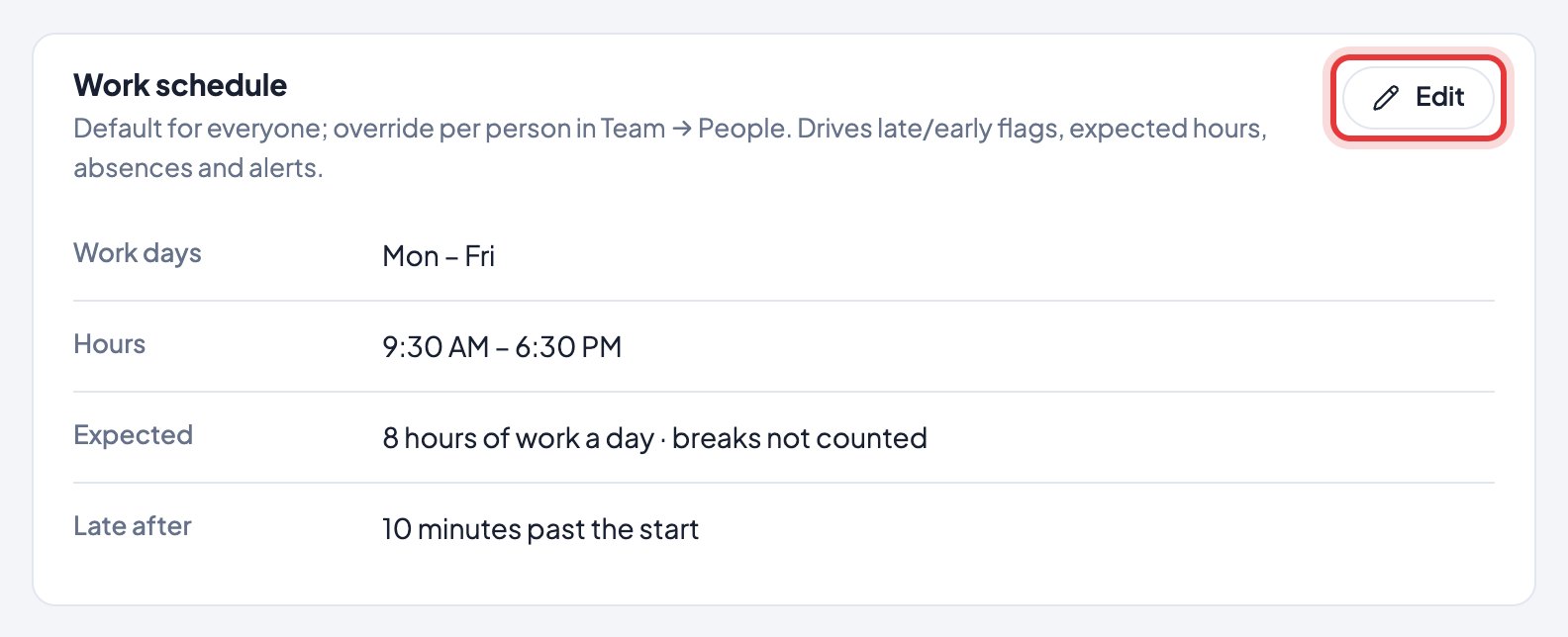
Grace (minutes) (shown as Late after) sets how late someone can start before they’re marked late. Expected hours don’t include breaks: a 10 AM – 7 PM day with 8 expected hours leaves an hour for breaks.
In Help
More videos
All videos →


New to Timerfly?
Try every feature free for 14 days.