How do I read My Day?
Your day (or, for admins, anyone’s) on one page: a timeline coloured by productive, neutral, unproductive, idle and break, your hours, top apps, and screenshots.
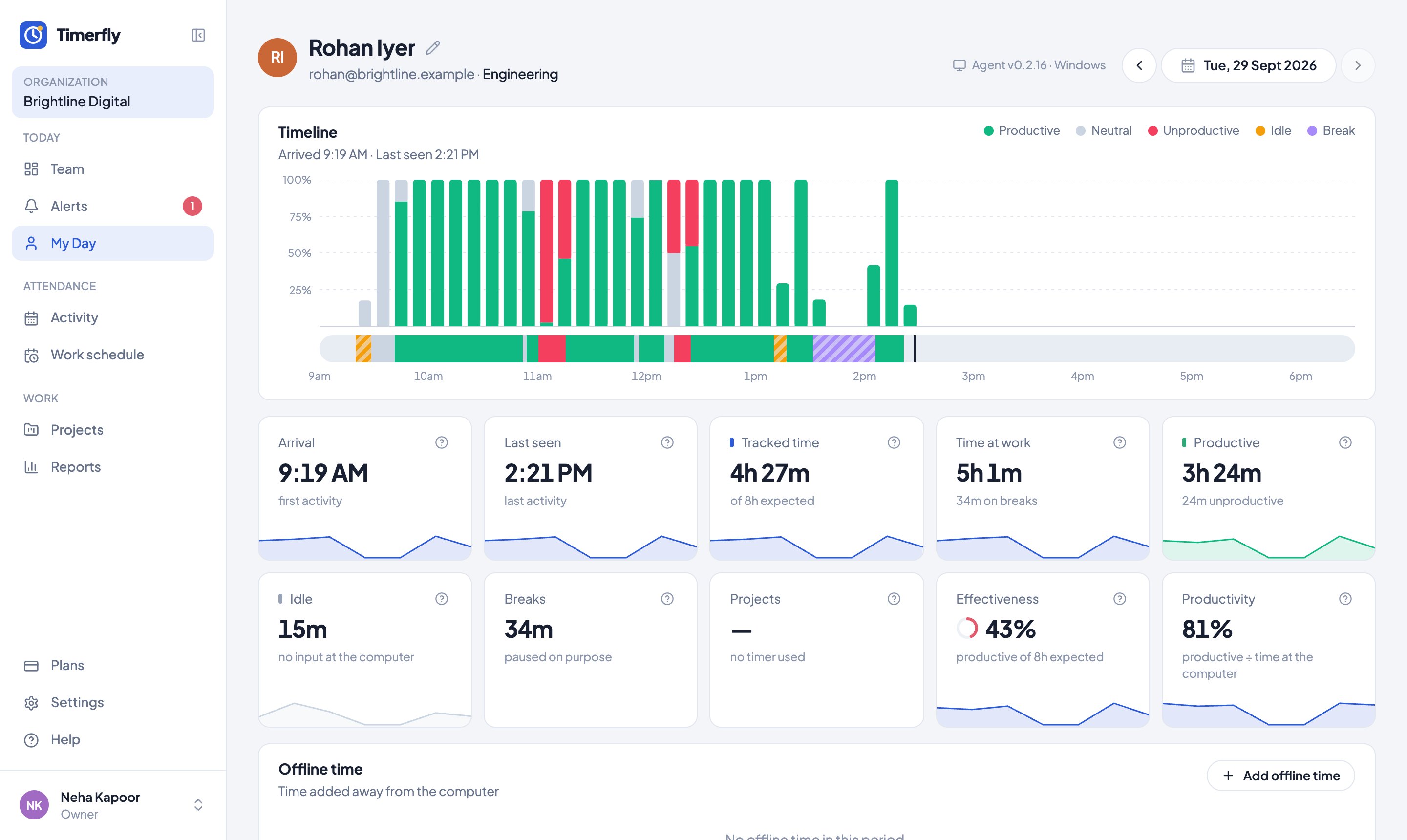
Use the arrows or the date to see another day. Hover the timeline to see the app at any moment.
The line over the timeline shows the shift the day is judged against (for example "Shift 10:00 AM – 7:00 PM · 8h work + 1h break"), so Late and "of 8h expected" are easy to check. A day off, a holiday or leave says so instead.
Still stuck? We’re happy to help.
Ask usMore on reports and payroll
- How do I read the Team page?
- What’s in Reports?
- How do I see one person over a month?
- How do I see overtime?
- How do I export a report to Excel or PDF?
- Can we run payroll from Timerfly?
- Our pay month runs from the 26th to the 25th. Does that work?
- Can I get reports by email?
- How do projects work?
- Can I give people tasks?
- Can I show a client the hours spent on their project?
- Can I see what a project costs?
New to Timerfly?
Try every feature free for 14 days.