Choose a plan and pay, with a GST invoice
1 min 5 s video
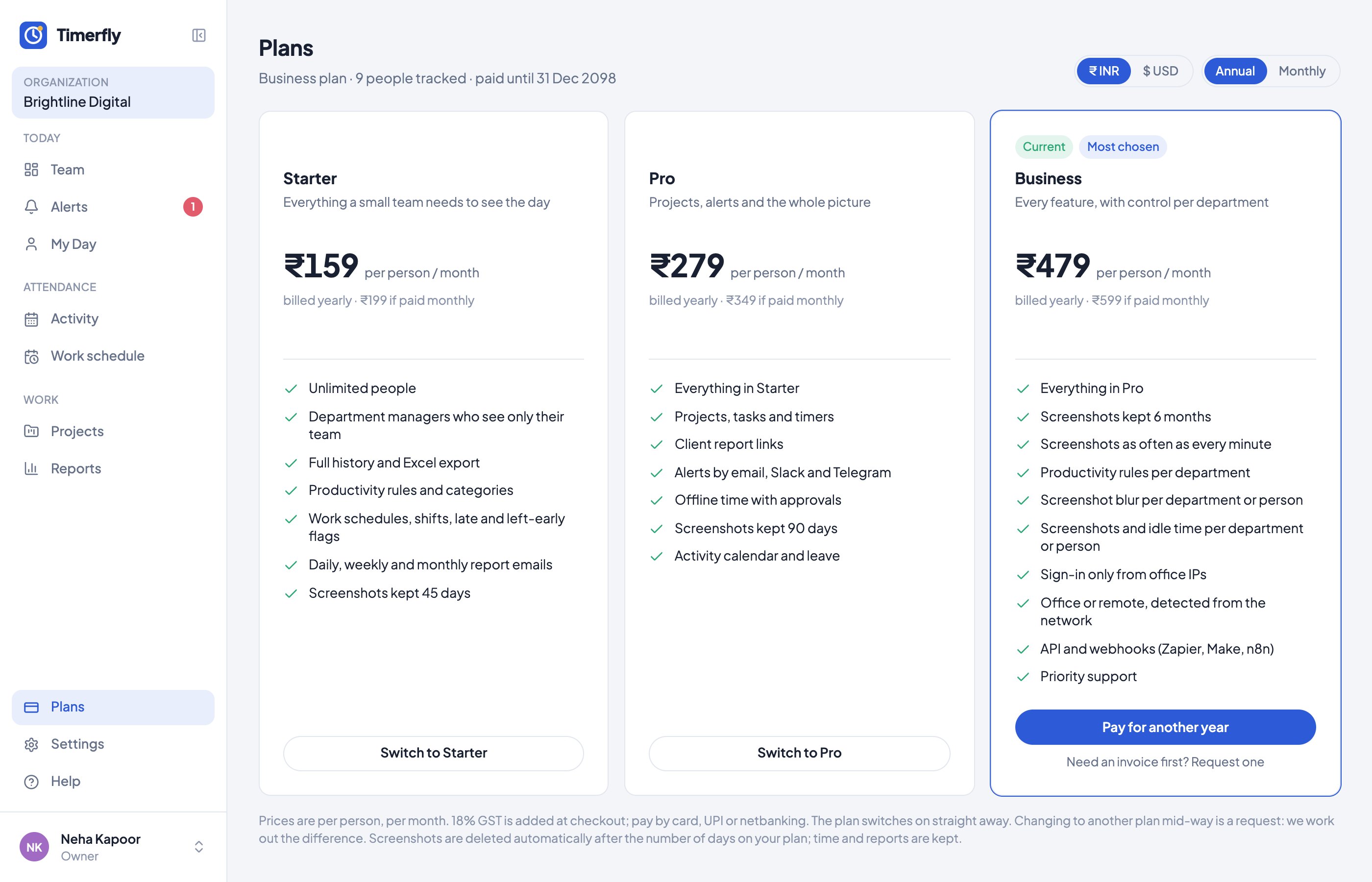
The owner opens Plans, picks Annual or Monthly, chooses a plan, enters people and GST details (GSTIN or not registered), and pays through the payment gateway; or requests an invoice for a bank transfer. Amounts are blurred; prices at timerfly.com/pricing.
How do I choose a plan and pay?
On Plans, click the plan, choose monthly or yearly and how many people, fill in your invoice details and pay.
- 1Open Plans (the owner pays).
- 2Choose Annual or Monthly at the top, then click Choose on a plan.
- 3Enter the number of People and your GST details.
- 4Click Pay (or Start autopay) and finish in Razorpay.
In Help
More videos
All videos →


New to Timerfly?
Try every feature free for 14 days.